


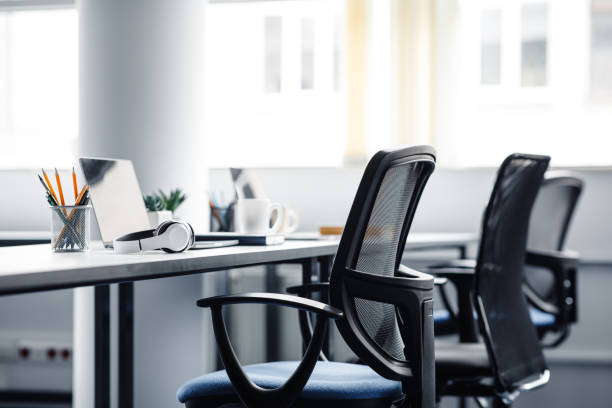
Screens drive neck angle and eye effort more than many people expect. Align height, distance, and brightness before buying new peripherals.
Position the top of the visible screen at or slightly below eye level when you sit upright. Your gaze should land around the upper third of the display for typical office work. Distance: roughly an arm’s length (50–70 cm for many adults), then fine-tune—if you lean forward to read 10pt text, increase font size or move the screen closer rather than hunching.
Large curved monitors still follow the same rule: centre your main content area, not the bezel. Ultrawide displays benefit from splitting windows so you are not scanning extremes with constant head rotation.
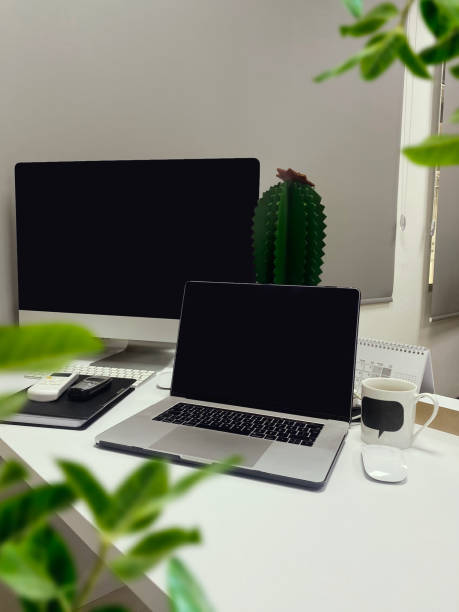
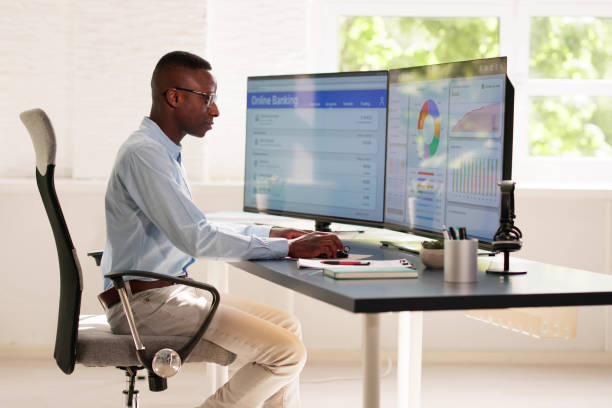
For laptops, use a stand or stable stack to raise the screen; type on an external keyboard at elbow height. Closing the lid with an external display is fine if cooling and connections are stable. For video calls, raise the camera to eye level—a few books under the stand reduce the “looking up nostrils” angle.
Dual setup: primary monitor centred on your chair; secondary angled 15–30°. If use is 50/50, consider a curved layout where both sit in a shallow arc. Swap sides weekly if you notice one-sided neck stiffness. Colour calibration is optional for ergonomics but helps when matching brightness between panels.
Match screen brightness to the room: white backgrounds should not glow like a lamp in a dim space. Use system dark mode if it reduces glare for you, but keep enough contrast for reading. Increase text scaling in the OS and browser—120–125% is common among comfortable long-term users.
Every 20 minutes, look at a distant object for 20 seconds. Blink fully a few times; heated indoor air dries eyes. Humidifier or a glass of water nearby supports comfort; we do not discuss drops or treatments here. Night shift modes may help some people wind down; they are preference, not a universal fix.
Secure monitors on stable stands or arms rated for the weight. Route power cables so chairs cannot crush plugs. Take breaks if you notice flashing vision, headache, or sharp eye pain—stop screen work and follow appropriate professional channels if symptoms continue.
Employers should provide adjustable equipment where work is screen-based; document requests in writing. This page is educational only.
| Date | Topic | Format | Action |
|---|---|---|---|
| 26 Jun 2026 | Monitor & lighting walkthrough | In person · 75 min | Request a spot |